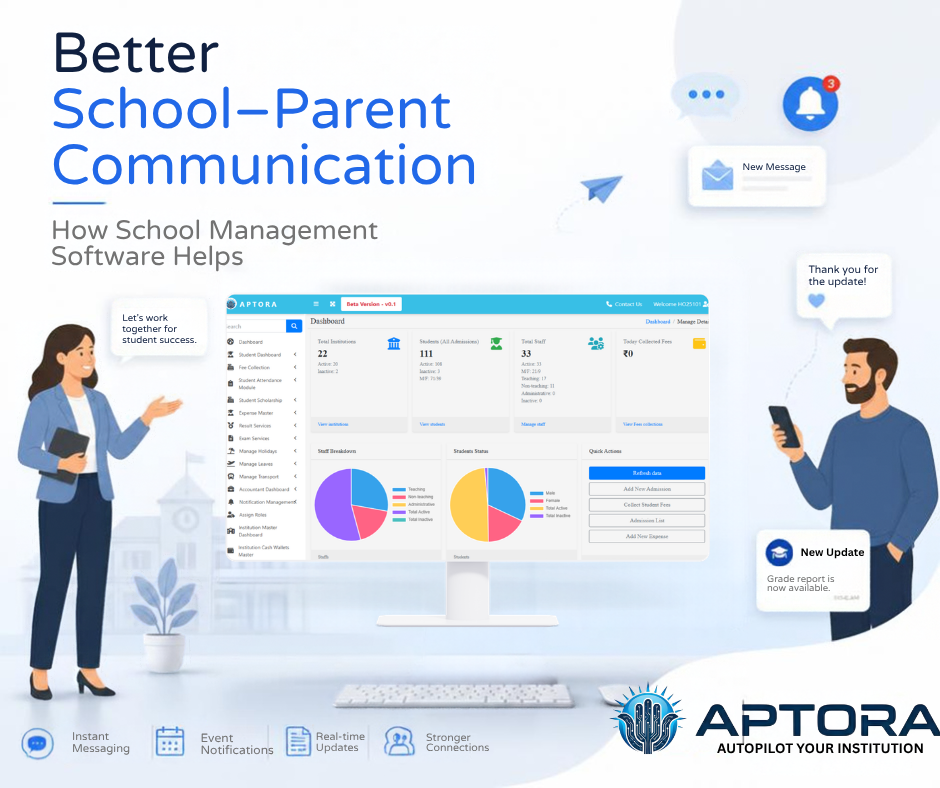
Good communication between a faculty and dad and mom makes a big distinction in a pupil's training. Parents want to understand...
Read More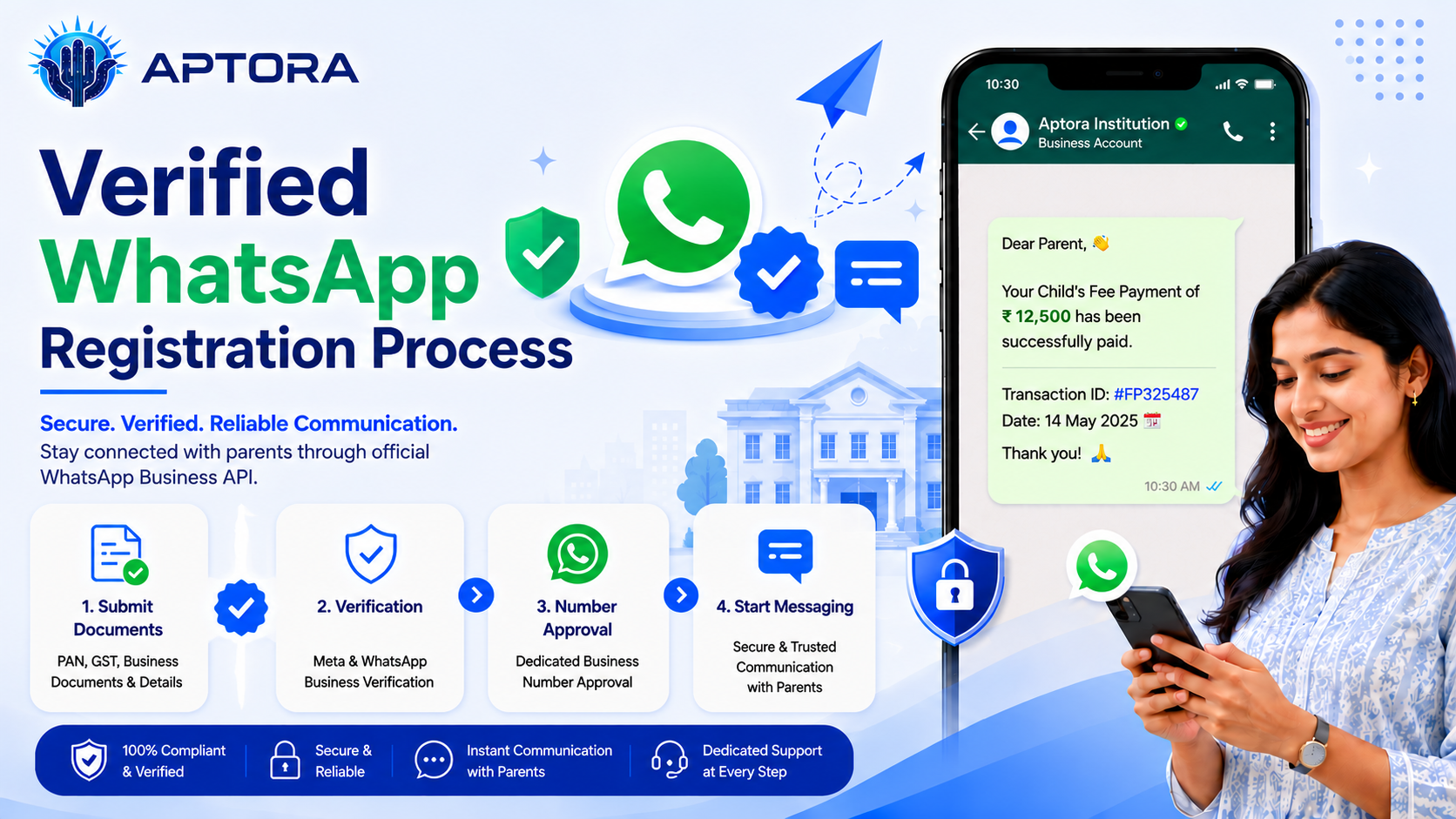
Verified WhatsApp registration is an important step for institutions and businesses that want to use WhatsApp for official communication, a...
Read More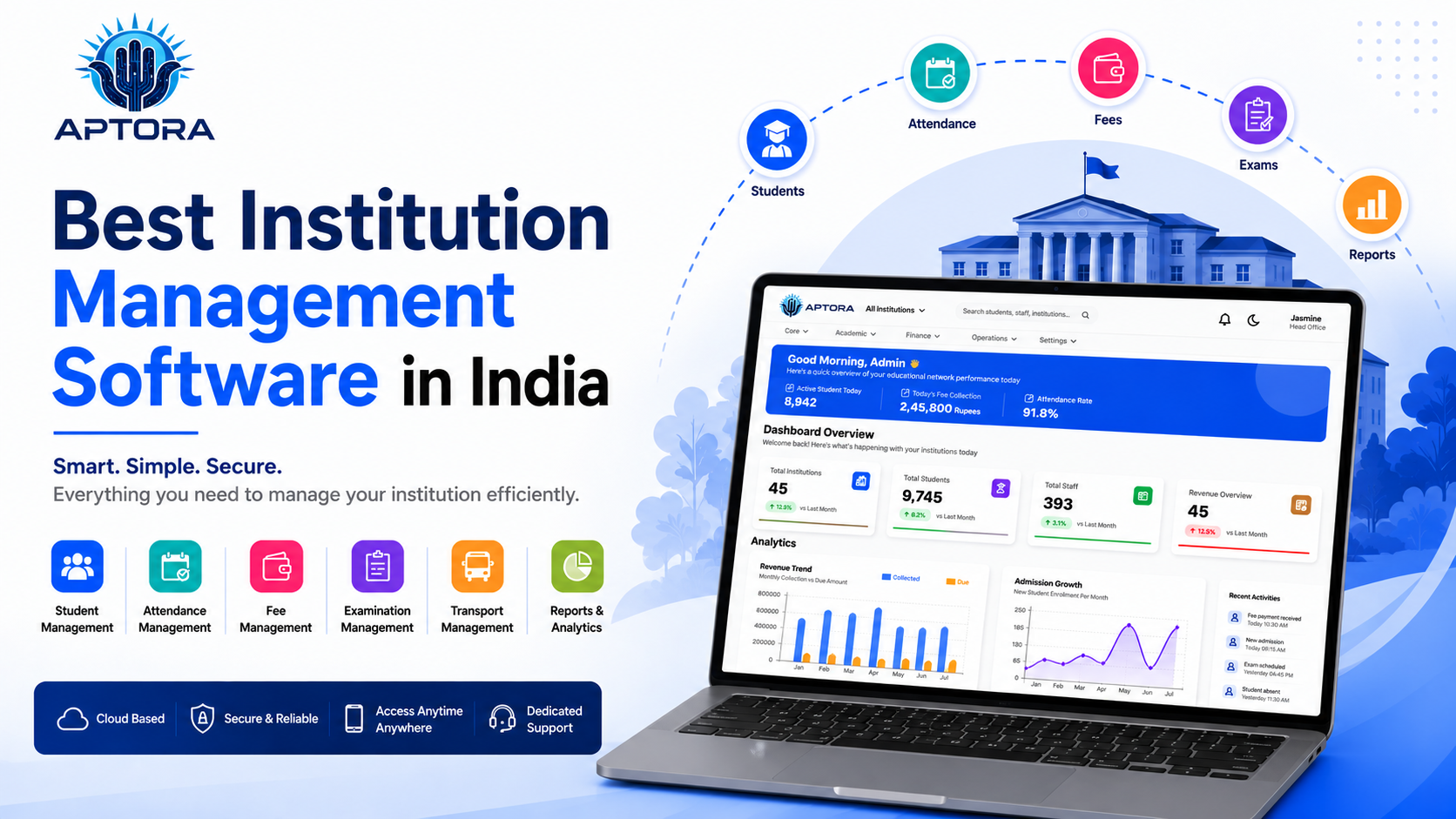
Choosing the best institution management software in India is an important decision for schools, colleges, coaching centers, and training i...
Read More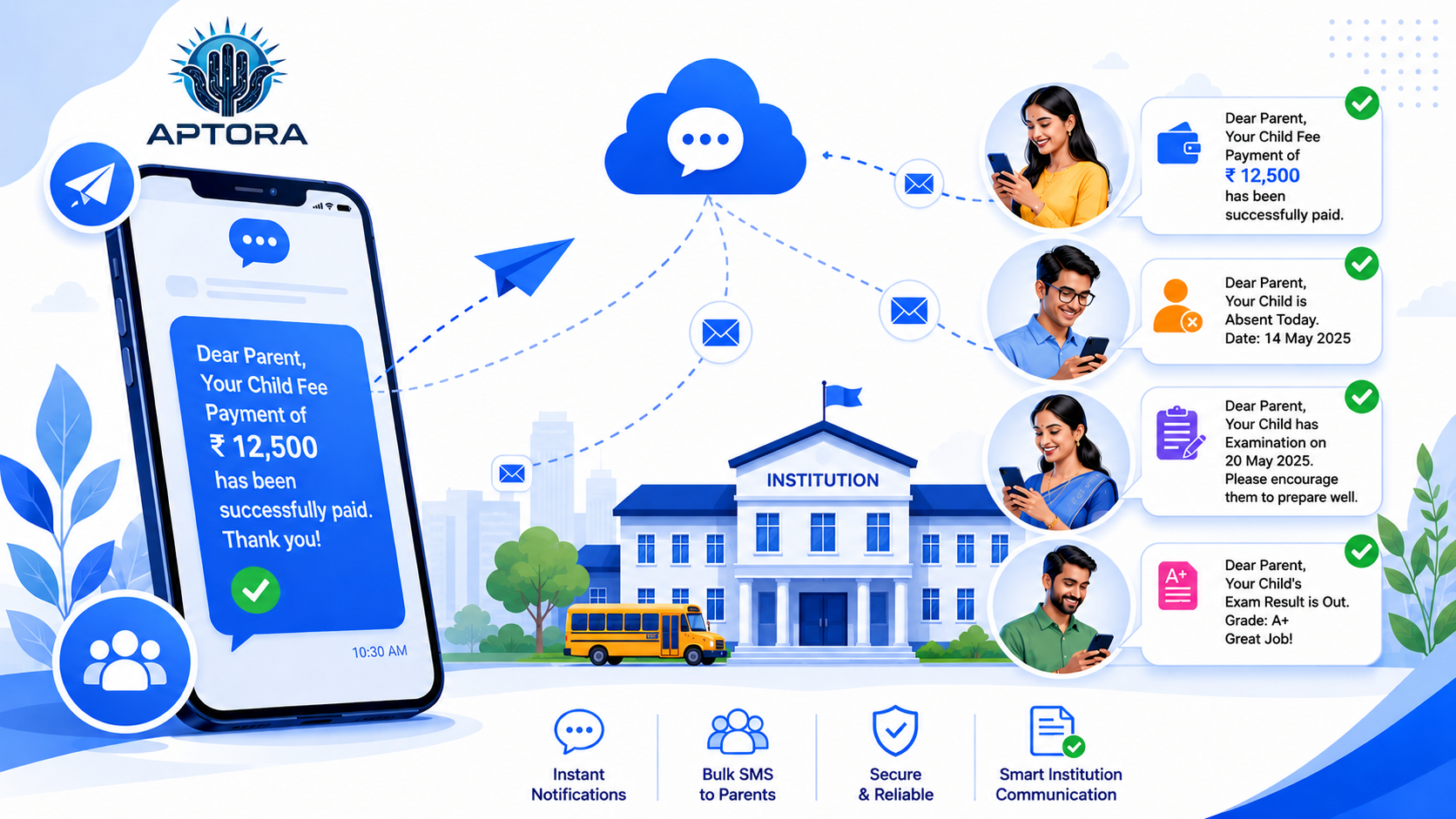
What is DLT Registration? DLT (Distributed Ledger Technology) registration is a mandatory process introduced by TRAI (Telecom Regulatory Aut...
Read More
What is a Transfer Certificate (TC)?A Transfer Certificate is an official document issued by an institution when a student leaves the school...
Read More